
How to Create Coloring Pages from Text
You can make a custom coloring page without drawing it by hand. Describe a subject, scene, or lesson in plain language, and an AI coloring page generator turns the idea into black-and-white line art you can download and color.
The 30-Second Version
- 1Describe the subject and scene you want to color.
- 2Add useful details such as an action, setting, age level, and clean line art.
- 3Generate the page, review the result, and try a clearer prompt if needed.
Create a Text-to-Coloring Page in 3 Steps
The text-to-coloring tool runs in your browser. Start with a short idea, then add only the details that help the composition.
- 1
Describe your idea
Write what you want to see, such as a friendly fox reading under an oak tree. Subjects, animals, landscapes, fantasy scenes, and classroom topics all make useful starting points.
- 2
Add line-art directions
Mention that you want a printable coloring page with clean black outlines, a white background, and no shading. Choose simple lines for younger children or more detailed lines for older children and adults.
- 3
Generate and download
Generate the page, check that the main subject is easy to recognize, and download the result as PNG or PDF from the generator when you are ready to print or share.

A Simple Prompt Formula That Works
A useful prompt is specific enough to guide the composition but short enough to keep the main idea clear. Build it from four pieces:
1. Subject
Name the main thing to color: a puppy, rocket, castle, garden, dinosaur, or a group of friendly animals.
2. Action
Give the subject something to do. Reading, flying, dancing, exploring, and planting make the scene feel intentional.
3. Setting
Add a simple location such as a forest clearing, bedroom, moon surface, or school garden.
4. Line-art direction
Ask for clean black outlines, a white background, no shading, and a printable coloring page when those qualities matter.
Prompt Ideas You Can Try
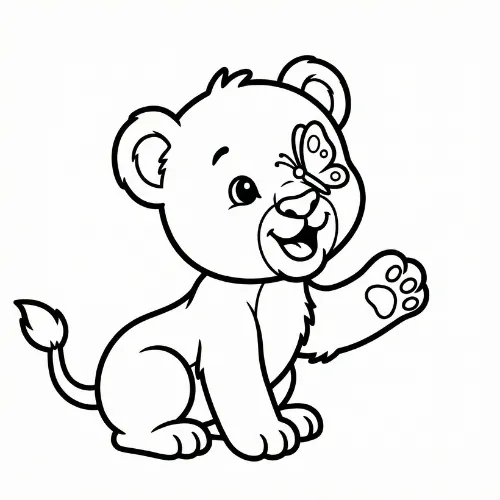
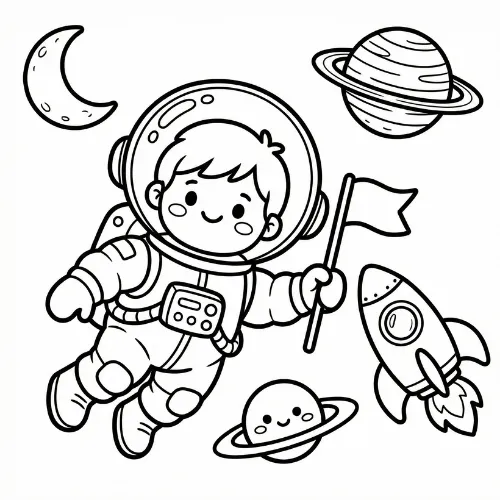
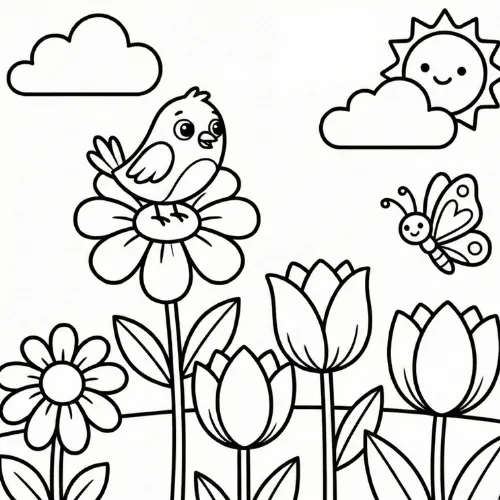
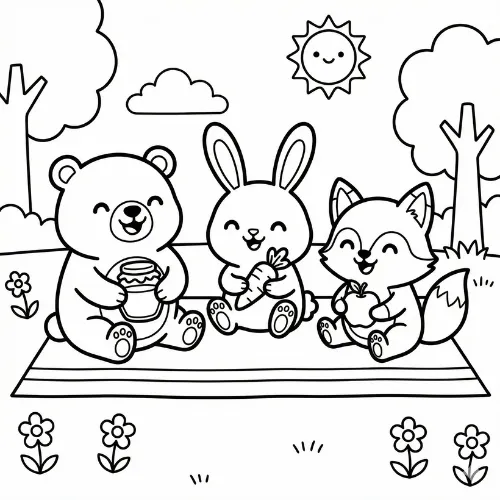
These examples show the kinds of original scenes the text-to-coloring tool can create. Start with one, then change the subject, action, or setting to make it yours.
How to Improve a Weak Result
The first prompt is a draft, not a final exam. If the page feels crowded or the subject is hard to recognize, make one focused change and generate again.
- Remove extra objects and keep one main subject when the page looks busy.
- Add an age cue such as simple, large shapes for preschoolers or detailed line art for older kids.
- Put the subject in a clear setting and describe the action before adding decorative details.
- Change one part of the prompt at a time so you can tell which instruction improved the page.
Frequently Asked Questions
What is a text-to-coloring page tool?
It turns a written description into an original black-and-white coloring page. You describe the idea, and the AI generates printable line art from the prompt.
How detailed should my prompt be?
Start with one subject, one action, and one setting. Add a few visual details only when they help the scene. A clear short prompt is usually easier to control than a long list of unrelated objects.
Can I make coloring pages for kids?
Yes. Ask for simple lines, large friendly shapes, and a clean white background for younger children. For older kids and adults, ask for more detailed line art.
Can I create educational coloring pages from text?
Yes. Use a lesson topic as the subject or setting, such as the water cycle, a solar system scene, or a historical object, then ask for a clear printable coloring page.
Can I download a text-to-coloring result?
Yes. iColorPlay supports downloading generated pages as PNG and exporting pages as PDF from the generator.
How many credits does a text-to-coloring page cost?
Each text-to-coloring page generation costs 1 credit. New users get free credits to try the service.
Keep Creating
Turn a Photo into a Coloring Page
Use a portrait, pet, or family photo when you want personal line art.
Free Printable Coloring Pages
Browse ready-made pages by theme when you want something to print now.
Make a Coloring Greeting Card
Create a folded coloring card for a birthday, holiday, or thank-you gift.
Turn Your Next Idea into a Coloring Page
Start with a simple sentence, add the details that matter, and see what your prompt can become.
Create a Coloring Page from Text